
Make sure you’ve got everything in Prerequisites first. There are four ways to get the kit - pick based on whether you want a fresh renamed project, the raw source, or zero local install.
Which path?
| Path | Renames the project | Best for |
|---|---|---|
| fsh CLI (recommended) | Yes | Starting a new app; interactive setup + environment check |
| dotnet new template | Yes | Scripted/CI scaffolding without the CLI |
| git clone | No | Reading the source, contributing, or running the kit as-is |
| GitHub template / Codespaces | Yes (via GitHub) | Zero local install, or your own repo from the template |
Path 1 - The fsh CLI (recommended)
A NuGet-distributed dotnet tool that scaffolds a fresh, fully renamed project from the latest template:
dotnet tool install -g FullStackHero.CLIfsh doctor # verify .NET SDK, Git, Docker, the template, free portsfsh new MyApp # interactive: include Aspire? include the React apps?cd MyAppdotnet run --project src/Host/MyApp.AppHost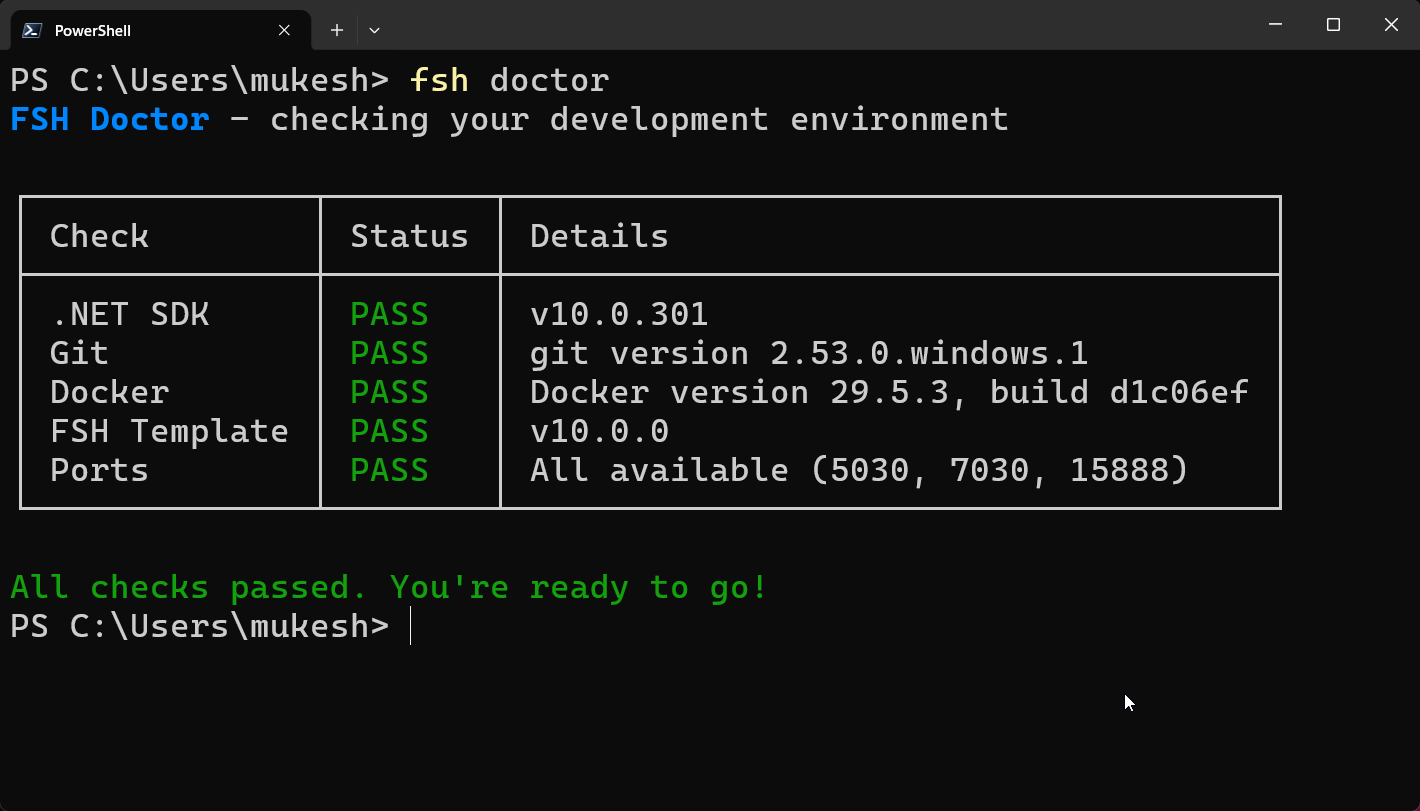
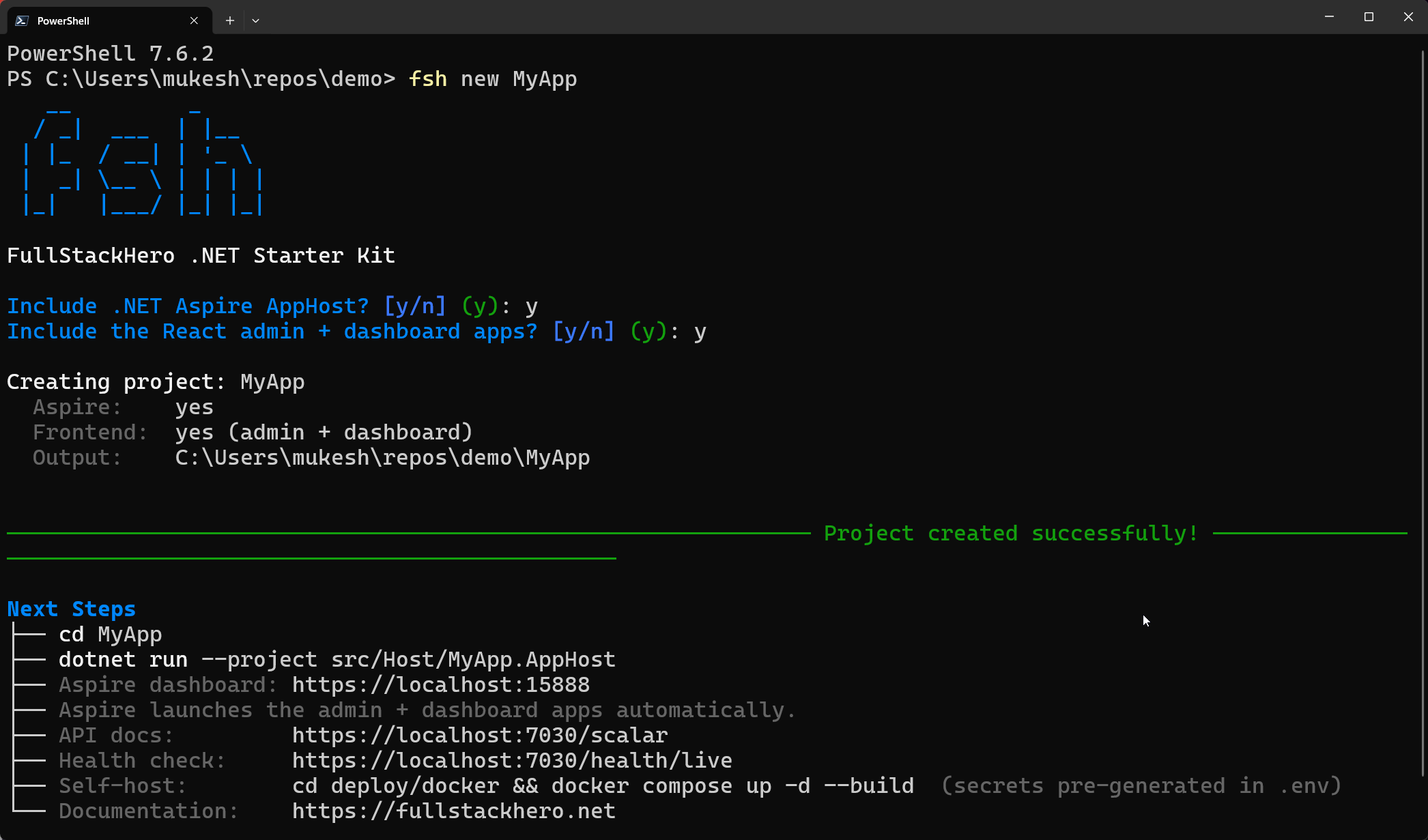
Non-interactive (handy for scripts) - skips the prompts and uses defaults:
fsh new MyApp --non-interactiveSee the CLI reference for every command (new, doctor, info, update) and flag.
Path 2 - The dotnet new template
fsh new scaffolds from this template under the hood; you can also use it directly without the CLI - handy for scripted or CI scaffolding:
dotnet new install FullStackHero.NET.StarterKitdotnet new fsh -n MyAppcd MyAppdotnet run --project src/Host/MyApp.AppHost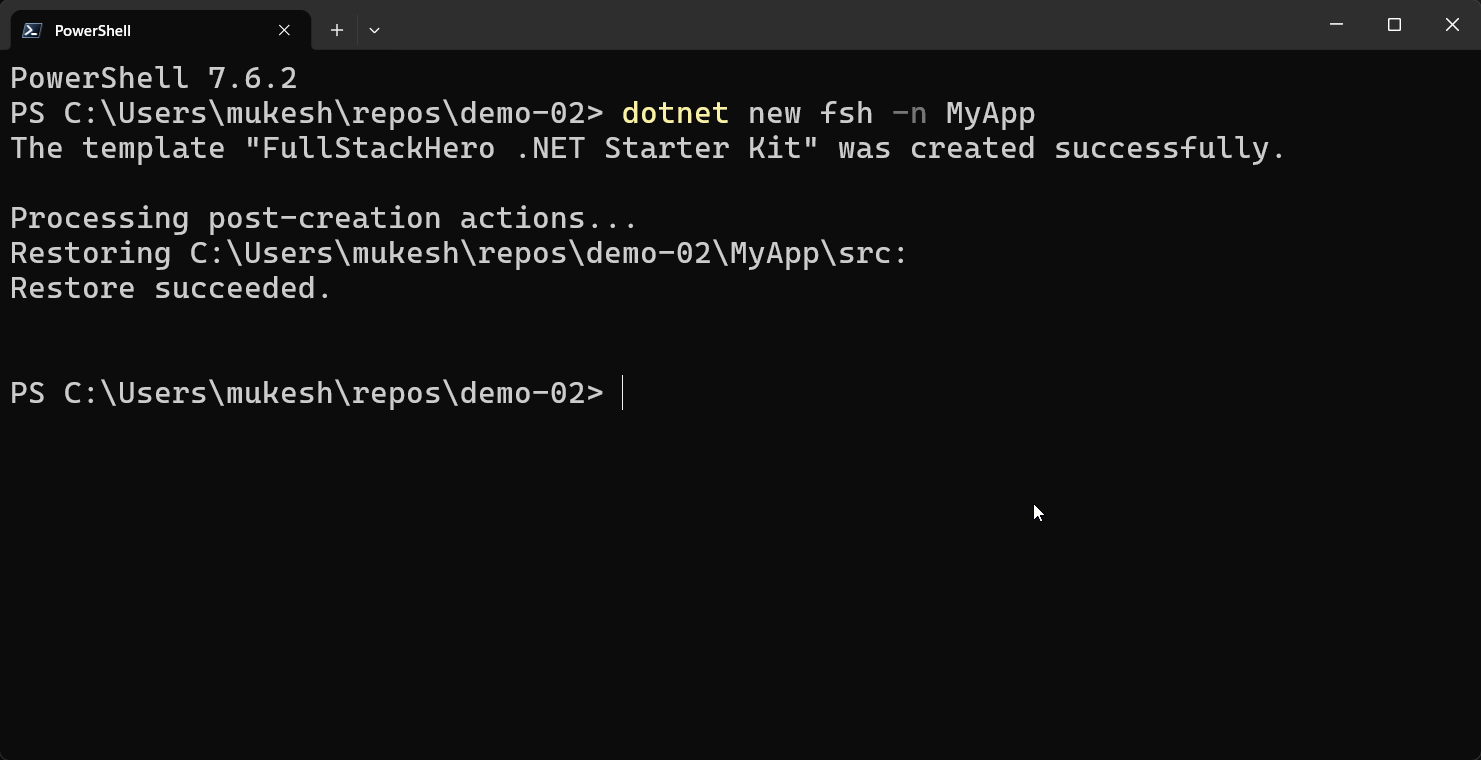
Path 3 - Clone the repository
Get the full source as-is, with no project renaming (the solution keeps its FSH.Starter names):
git clone https://github.com/fullstackhero/dotnet-starter-kit.git MyAppcd MyAppdotnet restore src/FSH.Starter.slnxdotnet run --project src/Host/FSH.Starter.AppHostThis is the path for reading the code, contributing, or running the kit unchanged.
Path 4 - GitHub: Use this template / Codespaces
On the GitHub repo, click Use this template to create your own repository from the kit - or Open in Codespaces for a zero-install dev environment (the devcontainer ships the .NET 10 SDK and Docker-in-Docker, restores the solution, and forwards the API ports).
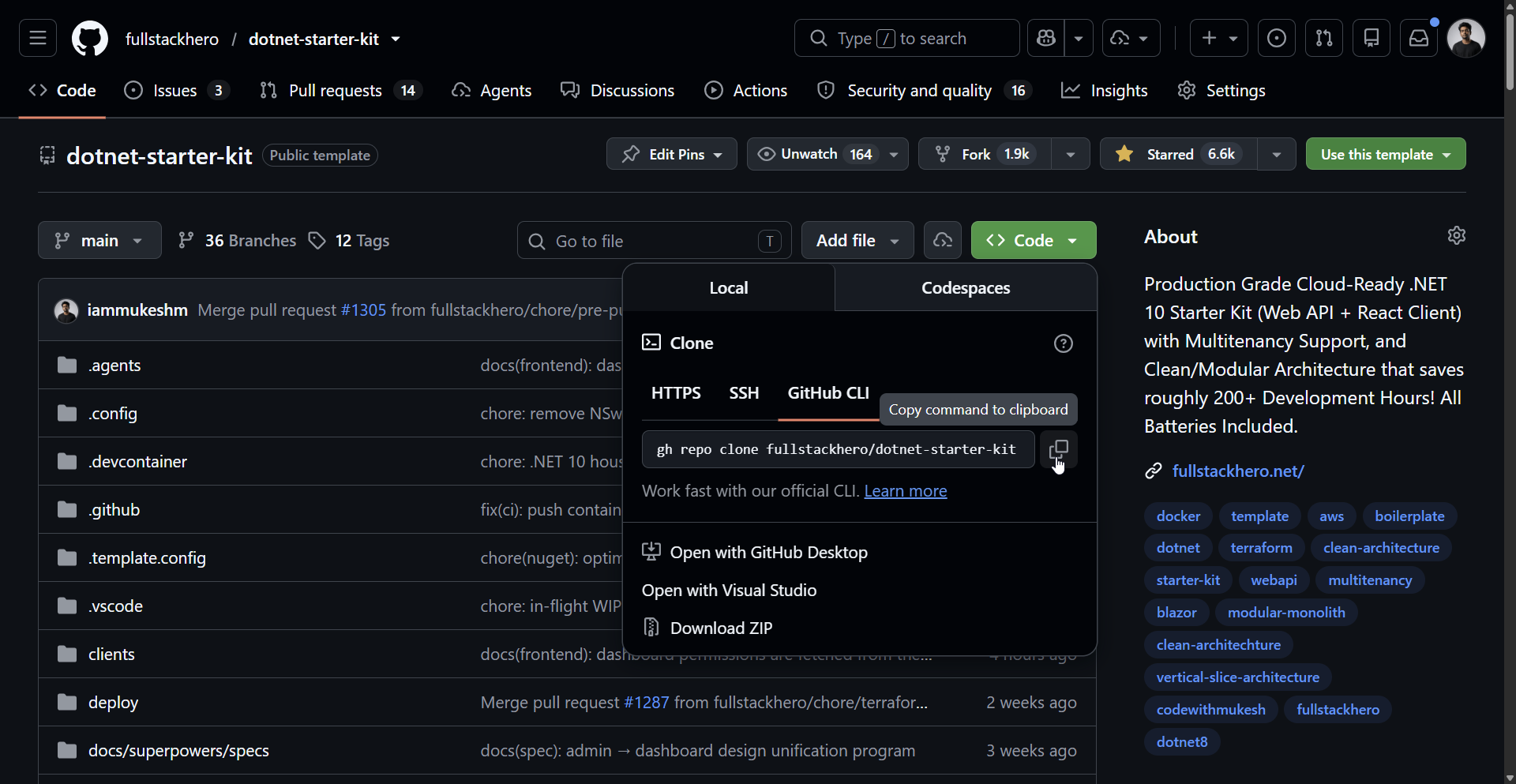
First Codespaces boot takes a couple of minutes; subsequent ones are instant.
Verify it’s running
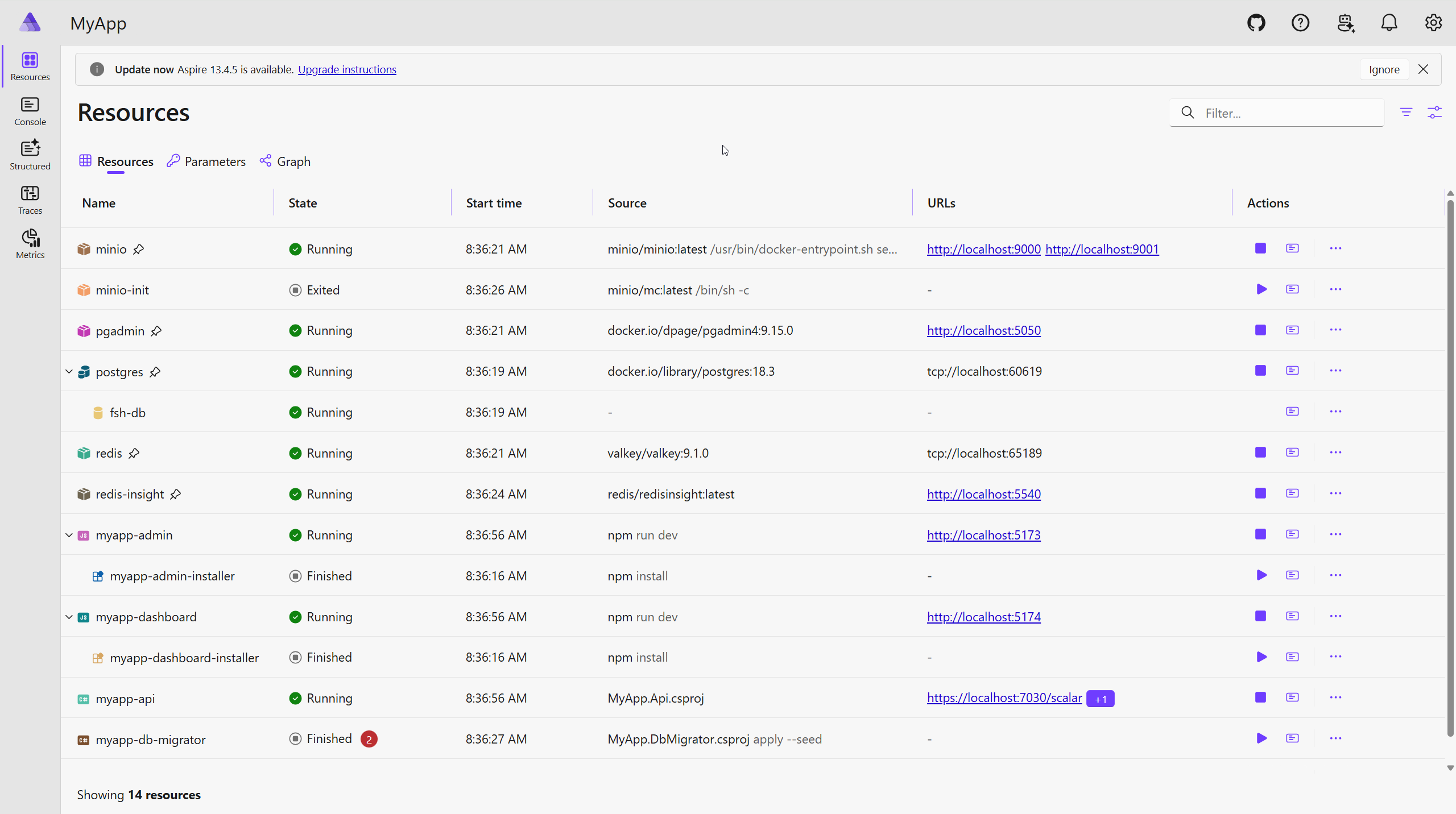
However you installed, the AppHost launches the Aspire dashboard. Every service should reach a healthy/running state, and the API serves OpenAPI + Scalar at https://localhost:7030/scalar.
Next
- Quick Start - the minimal scaffold-and-run walkthrough.
- Local Orchestration with Aspire - what each service is and why it’s wired that way.
- Architecture - the modular monolith + vertical slice mental model.