
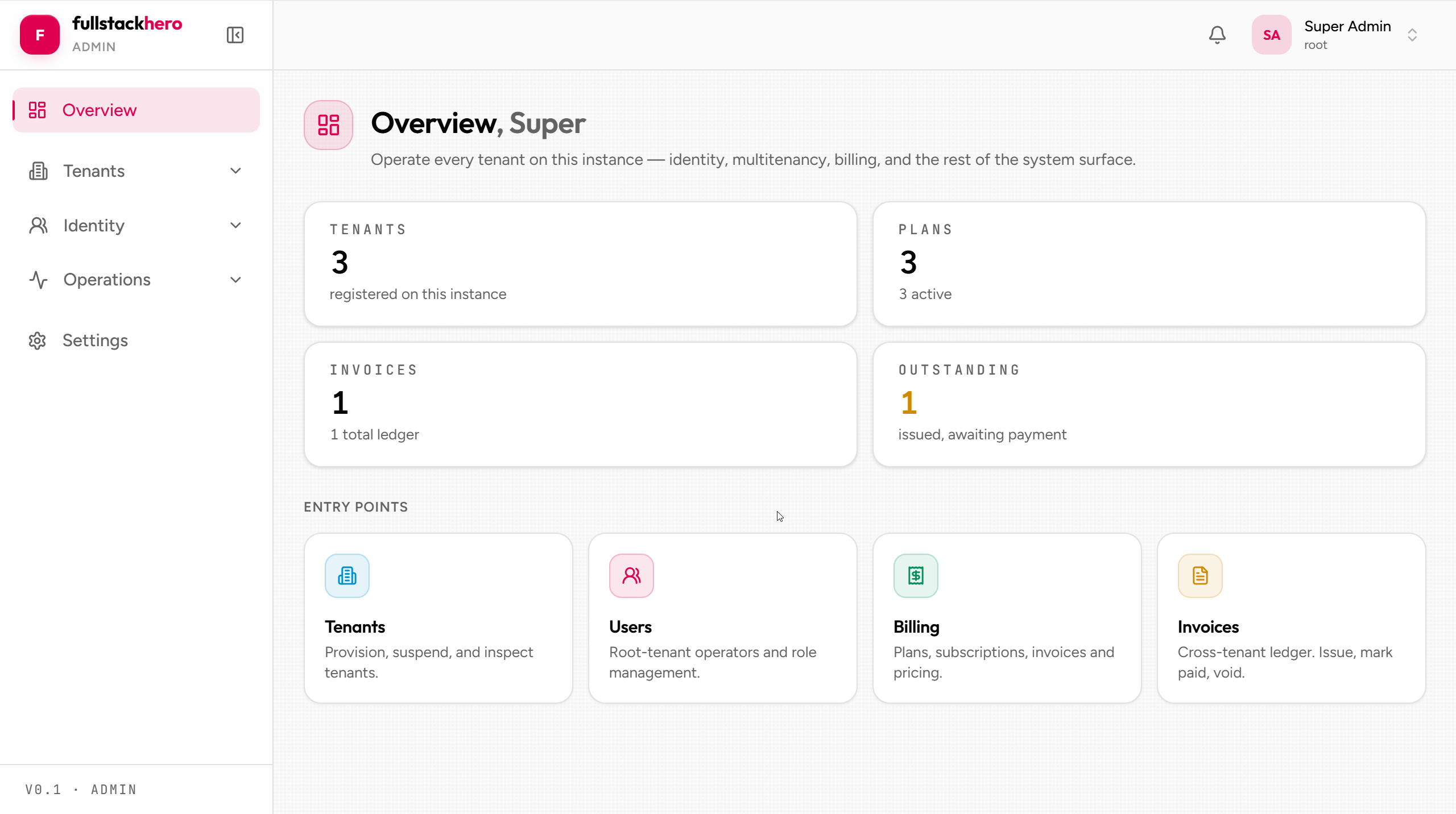
clients/admin is the operator-facing app. It’s where support engineers reset passwords, ops sees the audit trail, billing reviews tenant invoices, and SuperAdmins start impersonation sessions. It’s not customer-facing - it has no per-tenant theming; the chrome stays in the kit’s own palette (operators still get a light/dark toggle).
Tech stack
| Version | Used for | |
|---|---|---|
| React | 19.x | UI framework |
| Vite | 7.x | Dev server + build |
| TypeScript | 5.x | Type safety |
| TanStack Query | 5.x | Server-state cache + mutations |
| React Router | 7.x | Routing + protected routes |
| react-hook-form + zod | 7.x / 3.x | Forms + schema validation (admin only - the dashboard doesn’t use them) |
| @microsoft/signalr | 10.x | Realtime connection to the kit’s hub |
| Tailwind CSS | 4.x | Styling (shadcn-style, with CVA) |
| Radix UI | 1.x–2.x | Headless primitives (Dialog, DropdownMenu, etc.) |
| Lucide | 0.4xx | Icon set |
| Playwright | 1.x | Route-mocked E2E tests (npm run test:e2e) |
All pinned in clients/admin/package.json.
Page inventory
clients/admin/src/pages/├── audits/ Audit trail query UI (filter, detail side sheet)├── auth/ Forgot / reset password, email confirmation├── billing/ Plans + invoices (list + detail)├── health/ System health probes├── impersonation/ Grant list - active + historical, revoke├── notifications/ Inbox, mark-read, real-time push├── roles/ Role CRUD + permission editor├── settings/ Profile, security (2FA), sessions, appearance├── tenants/ Tenant CRUD + branding editor + provisioning status├── users/ User search / detail / impersonate action├── webhooks/ Subscription management + delivery log├── dashboard.tsx Operator landing page└── login.tsx Tenant + email + password sign-inThe route definitions live in clients/admin/src/routes.tsx; pages beyond the shell + landing page are lazy-loaded so each route becomes its own bundle chunk.
Authentication
clients/admin/src/auth/ owns the auth surface:
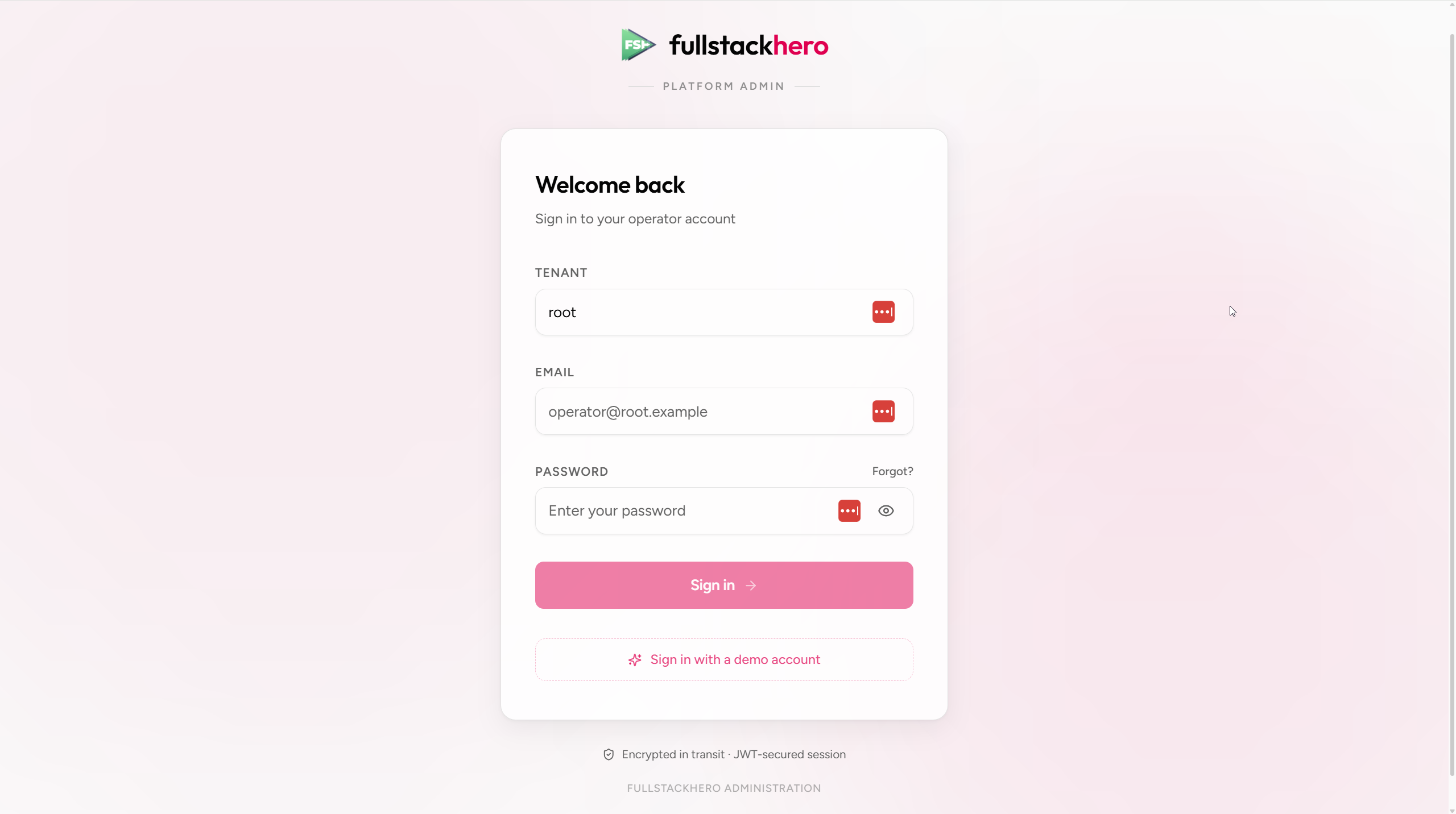
auth-context.tsx- React context providing the signed-in user,login,logout, andrefreshPermissions.api.ts-issueToken()wraps the login endpoint.token-store.ts- wraps localStorage for access + refresh tokens and the active tenant.jwt.ts- base64url decode + claim parsing (no library needed for read-only access).protected-route.tsx- route guard that requires authentication; redirects to/loginif not.route-guard.tsx- permission-aware wrapper; renders<ForbiddenView>if the user lacks the required permissions.use-auth.ts- hook for accessing the context from components.inactivity.ts+use-inactivity-timeout.ts- idle auto sign-out (see below).
Login flow:
const { login } = useAuth();await login({ email, password, tenant });// Calls POST /api/v1/identity/token/issue with the `tenant` header (and an// X-FSH-App: admin header so the API can enforce the operator-app boundary),// stores both tokens, then navigates to the post-login destination.Token refresh is reactive, not timer-based: when any API call returns 401, the API client runs a single-flight refresh (POST /api/v1/identity/token/refresh) and retries the original request. At boot, if the stored access token is missing or expired but a refresh token exists, the auth context attempts one silent refresh before rendering protected routes. If a refresh fails (refresh token expired / revoked), the user is signed out and redirected to /login.
Inactivity auto sign-out
The admin console signs operators out after 10 minutes of idle time, preceded by a 60-second warning countdown. Both durations come from /config.json (inactivityIdleMs, inactivityWarningMs), and the last-activity timestamp is shared across tabs via a localStorage key (fsh.lastActivity) so one active tab keeps every tab alive.
Permission-gated UI
Endpoints are gated server-side by .RequirePermission(). The admin console mirrors that gating client-side so users don’t see actions they can’t perform:
import { useAuth } from '@/auth/use-auth';
const { user } = useAuth();const can = (perm: string) => user?.permissions.includes(perm) ?? false;
return (  <>    {can(IdentityPermissions.Users.Update) && <Button onClick={openEditUser}>Edit</Button>}    {can(IdentityPermissions.Impersonation.Start) && <Button onClick={impersonate}>Impersonate</Button>}  </>);
The JWT only carries role names - effective permissions are resolved server-side and fetched from GET /api/v1/identity/permissions after sign-in, then cached on the auth context. If the user gains a permission server-side (an admin updates their role), refreshPermissions() picks it up without a re-login. The permission string constants live in clients/admin/src/lib/permissions.ts, mirroring the server registries.
For whole-route gating, wrap the route’s element in <RouteGuard>:
{ path: "impersonation", element: ( <RouteGuard perms={[IdentityPermissions.Impersonation.View]}> <ImpersonationListPage /> </RouteGuard> ),}Unauthorised users see a <ForbiddenView /> instead of the route content. While the permission fetch is still in flight, the guard renders a quiet loading state rather than flashing “access denied”.
API integration
clients/admin/src/api/ carries one file per backend module. Each file exposes typed functions wrapping the relevant endpoints with apiFetch - the kit’s hand-written fetch wrapper (no codegen, no Axios):
import { apiFetch } from "@/lib/api-client";
export function startImpersonation(input: StartImpersonationInput): Promise<ImpersonationResponse> {  return apiFetch<ImpersonationResponse>("/api/v1/identity/impersonation/start", {    method: "POST",    body: JSON.stringify(input),  });}
Pages consume them via TanStack Query:
const startMut = useMutation({ mutationFn: startImpersonation, onSuccess: (response) => { /* open new tab with the impersonation token */ },});apiFetch (clients/admin/src/lib/api-client.ts):
- Adds the
Authorization: Bearer ...header from the token store. - Adds the
tenantheader (the stored tenant, or the configured default) - callers can override it to scope a request to a specific tenant, which the admin’s branding editor uses. - Handles 401 by running a single-flight token refresh and retrying the original request once; if refresh fails, the session is cleared.
- Applies a 30-second default timeout via
AbortSignal, merged with any caller-supplied signal. - Surfaces ProblemDetails responses as a typed
ApiRequestError(status + title + detail + fielderrors) that React Query can render in the UI.
Realtime - notifications
clients/admin/src/realtime/realtime-context.tsx opens one shared SignalR connection to /api/v1/realtime/hub after sign-in (the SignalR client is dynamically imported so unauthenticated pages never download it). Components subscribe through a hook instead of touching the connection directly:
// clients/admin/src/components/notifications/notification-bell.tsx (simplified)useRealtimeEvent<NotificationDto>("NotificationCreated", (notification) => { queryClient.setQueryData(["notifications"], (prev) => prev ? [notification, ...prev] : [notification]); toast.info(notification.title);});The admin console only wires NotificationCreated today - the dashboard’s variant of the same context carries the chat + presence traffic. A bell icon in the top bar shows unread count + a popover with the recent items.
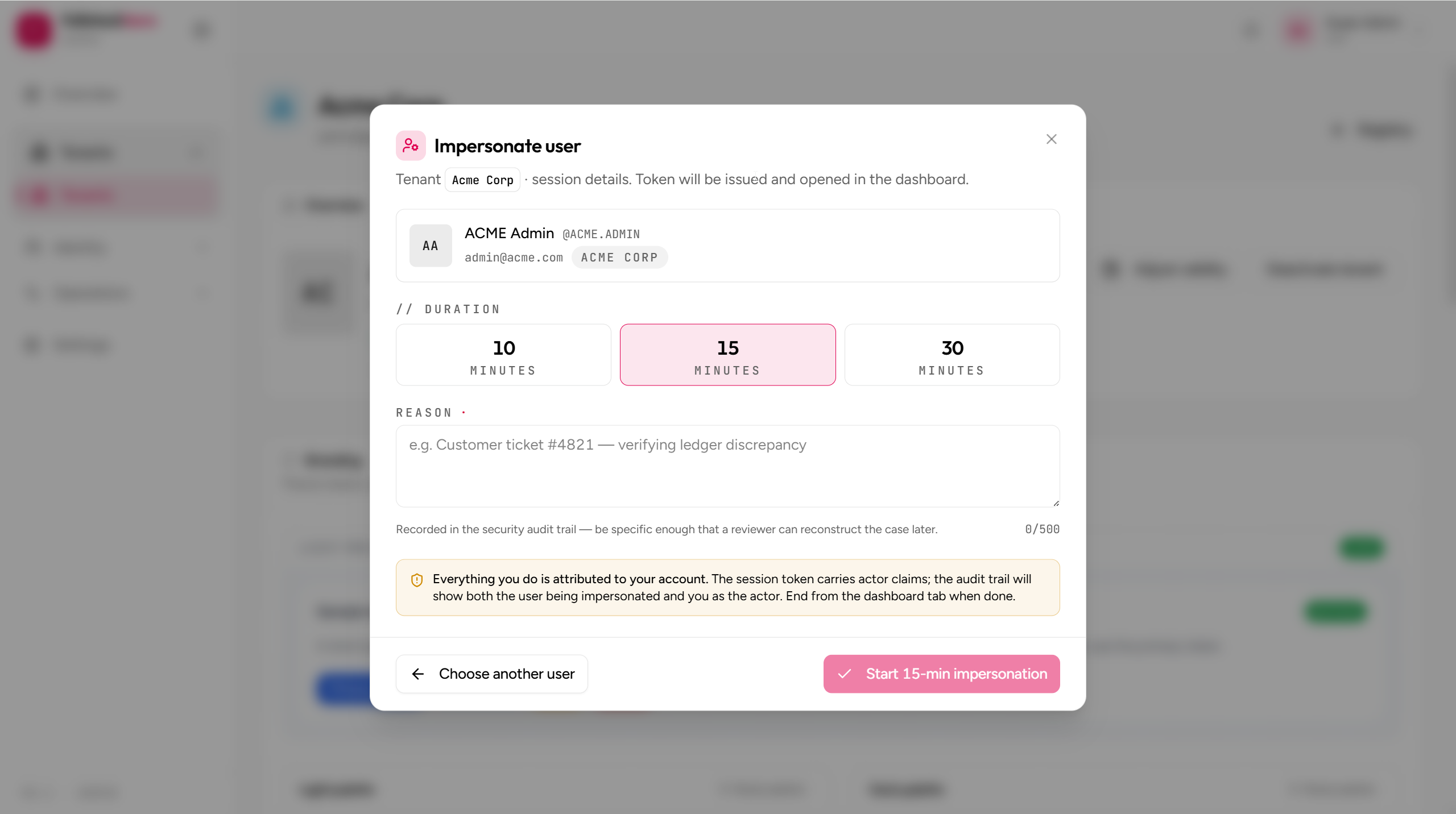
The impersonation flow in the UI
This is the admin console’s most-asked-about feature. Full walkthrough lives in the operator impersonation guide; short version:
- Find the user via Users → search.
- Open the user detail page; click Impersonate.
- Fill duration + reason; click Start.
- A new tab opens at the tenant dashboard, authenticated as the impersonated user. The short-lived token is handed off via the URL hash - the admin app never installs it locally.
- Use the dashboard exactly as the user would.
- Return to admin; revoke the grant (from the Impersonation page or the inline active-grants card) to end the session server-side. The dashboard tab loses the session on its next API call and lands on a graceful “impersonation ended” page.
Tenant branding editor
The tenant detail page carries a branding card where root operators edit a tenant’s TenantTheme - the light + dark colour palettes and brand asset URLs (logo, dark logo, favicon). Typography and layout fields exist on the server-side DTO but are intentionally left out of the v1 editor. The admin console itself stays themed in the kit’s own palette (no per-tenant chrome for operator tools).
See Theming for the full palette + asset surface.
Notable pages
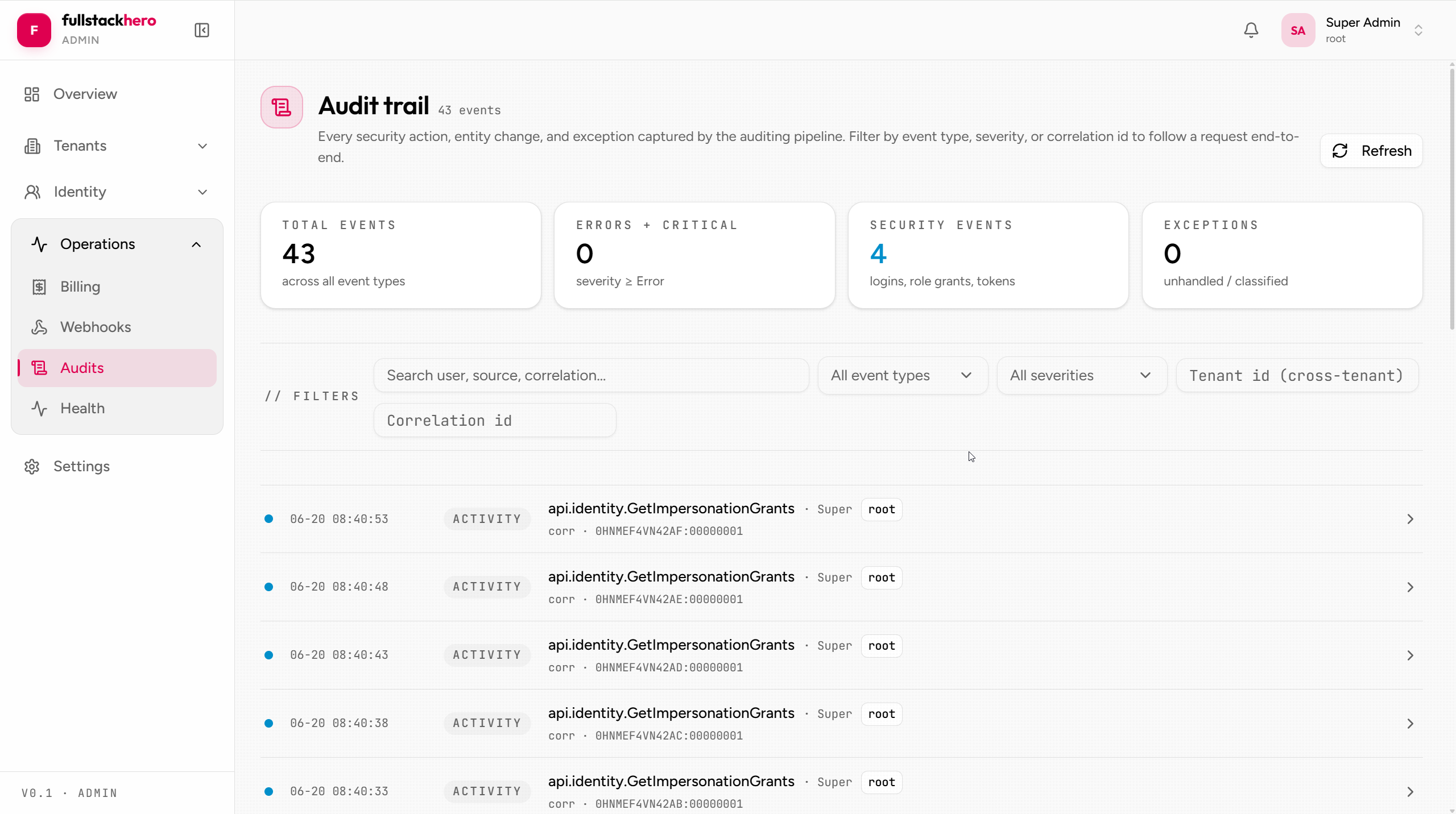
Audits
A full audit query UI with filters and a debounced search box; each row opens a detail side sheet with the captured payload (masked fields stay masked).
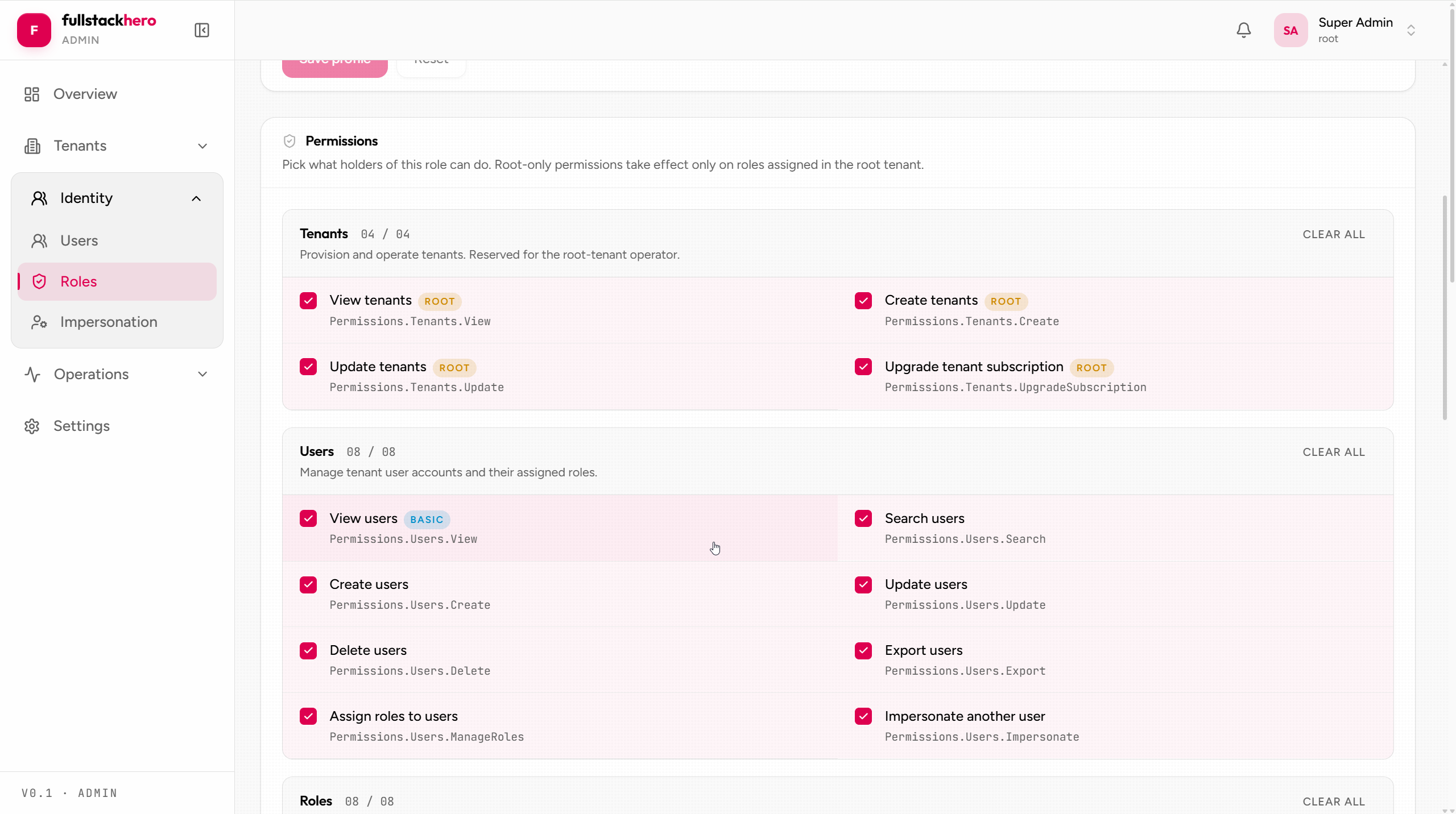
Roles + permission editor
Permission assignment per role, grouped by resource with per-action toggles and a bulk group toggle.
Webhooks
Subscription list with delivery log per subscription - every attempt, response code, error message.
Local development
cd clients/adminnpm installnpm run dev # http://localhost:5173 with HMRThe Vite dev server proxies /api, /health, /openapi, and /scalar to the backend - http://localhost:5030 by default, overridable with a VITE_API_BASE_URL env var (this var only steers the dev proxy target; it is never baked into a build). Runtime configuration - API base URL, default tenant, inactivity timings - comes from public/config.json, fetched once at boot before React mounts.
The kit’s Aspire AppHost wires all of this automatically when you run dotnet run --project src/Host/FSH.Starter.AppHost - the API, admin, and dashboard all come up together.
Build + deploy
npm run build # tsc -b + vite build → dist/ contains static assetsThe dist/ folder is a static site - drop it on any static host (Nginx, Vercel, Netlify, S3+CloudFront). clients/admin/Dockerfile ships an Nginx-based container that serves the built assets and renders /config.json from environment variables (FSH_API_URL, FSH_DEFAULT_TENANT, FSH_DASHBOARD_URL) via envsubst at startup - one image, every environment. See Local development.
Related
- Tenant dashboard - the end-user-facing companion.
- Frontend architecture - shared patterns.
- Operator impersonation guide - end-to-end UI walkthrough.
- Identity module - the API the admin console wraps.